
Must-have apps for every photographer’s toolkit
From film development to mobile editing, photography has evolved significantly. Today, apps are essential for capturing the perfect shot, organizing your portfolio, and delivering work instantly. These tools can improve both your workflow and skill.
Whether you’re a seasoned professional capturing engagement photos in Central Park, shooting editorial pieces in SoHo, or creating a New York wedding photoshoot guide, these must-have apps can streamline your work and inspire creativity. Here’s a look at the top apps every photographer should consider.
Essential planning apps
Proper planning can be the difference between a memorable shot and a missed opportunity. The following apps help photographers plan everything from sun positioning to astrophotography sessions.
Comprehensive planning tools:
- PhotoPills: A go-to app for astrophotographers, PhotoPills helps you easily plan the positions of the stars, moon, and sun. It’s essential for landscape and night-sky photographers, whether you’re capturing sunsets over the Brooklyn Bridge or night skies above DUMBO.
- The Photographer’s Ephemeris: Known for its precise light-planning tools, this app helps you visualize how light will fall on a specific location, making it easier to plan outdoor shoots, especially for sunrise or sunset shots. Perfect for scouting locations like the High Line or the city skyline from Gantry Plaza State Park.
Using these tools ensures your shots are technically perfect, helping you build the best NYC photography portfolio.
Weather and lighting prediction
Weather and lighting are crucial for any photoshoot. This app helps photographers predict both:
- Skylight: This app forecasts light quality during golden hour, sunset, and other light-sensitive times. It’s perfect for scheduling shoots in places like Times Square or at the Statue of Liberty to capture magical moments.
Camera Enhancement Apps
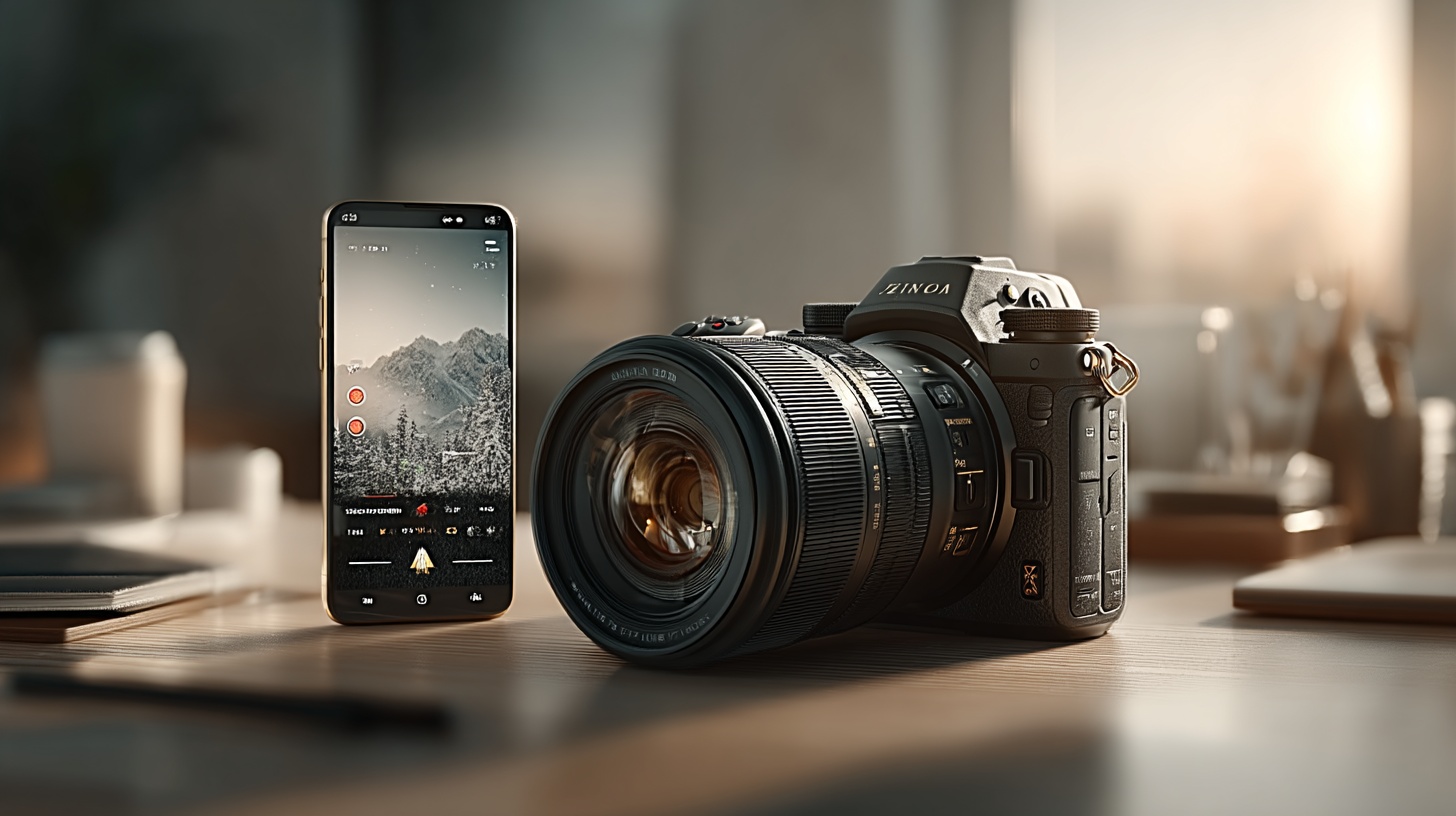
These apps provide manual controls over ISO, shutter speed, and focus for more precise camera settings:
- Camera+ 2 (iOS): Offers manual controls, including exposure and depth adjustments, for greater precision.
- ProCam X (Android): Gives Android users DSLR-like controls, making it easier to perfect your exposure and focus, whether shooting portraits in Washington Square Park or street photography in SoHo.
Light metering and long exposure
These apps turn your smartphone into a tool for light metering and long-exposure photography:
- MyLightMeter Pro: Functions as a light meter, helping you choose the right camera settings for various lighting conditions, from the shadows of the Manhattan Bridge to the lights of Times Square.
- Long Exposure Calculator: This tool helps calculate exposures with ND filters, perfect for long-exposure shots of landmarks like the Brooklyn Bridge or the fountains at Bryant Park.
Best photo editing apps
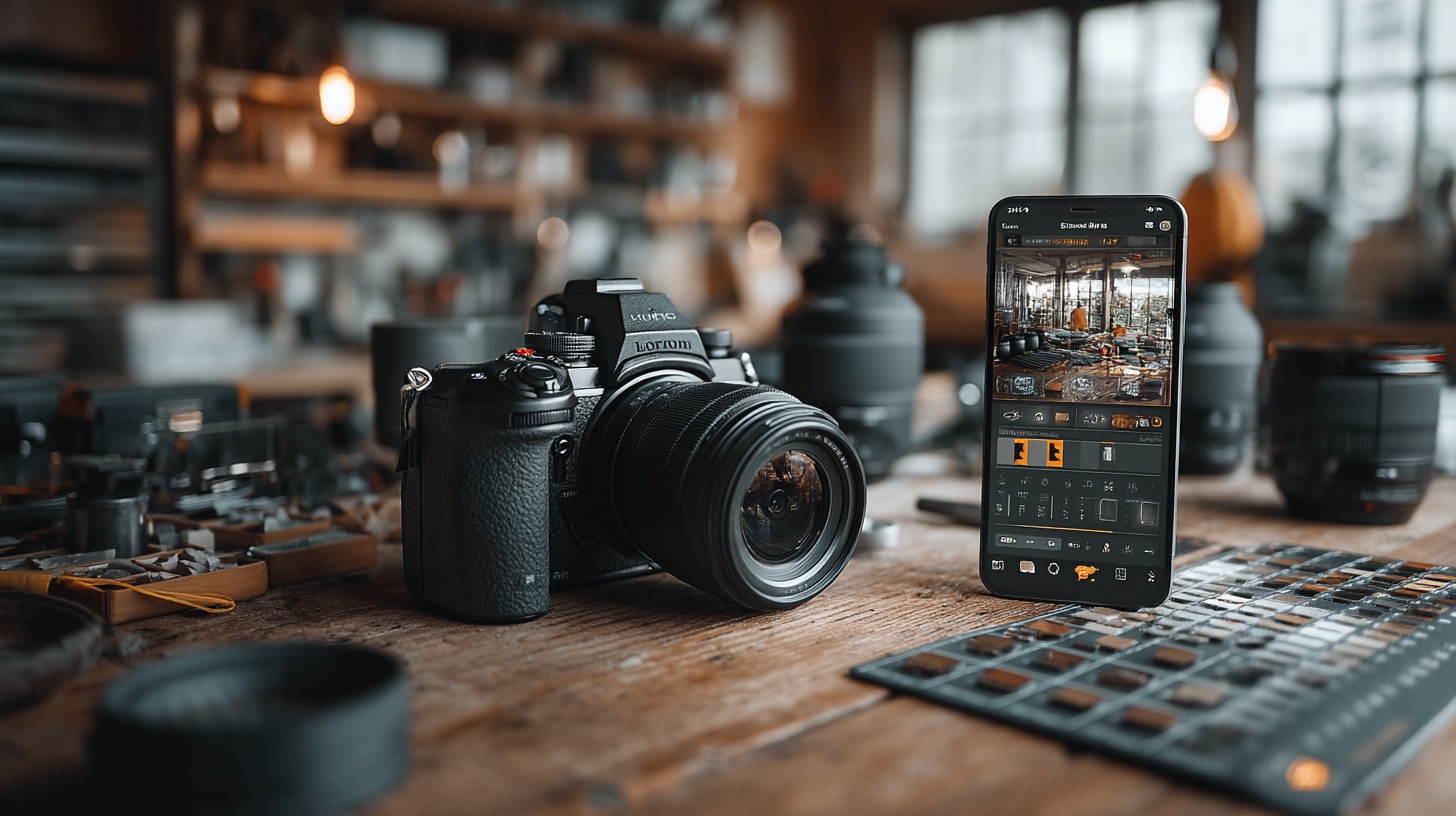
Editing enhances details and creates a unique style to bring your vision to life.
Desktop-level editing on mobile:
- Adobe Lightroom Mobile: Access desktop-level editing on the go. Lightroom Mobile syncs with the desktop version for a seamless workflow, perfect for refining shots of the New York Public Library or the Chrysler Building.
- VSCO: Known for its aesthetic presets and social sharing options, VSCO balances style and practicality.
Specialized editing tools:
- Snapseed: Developed by Google, Snapseed provides detailed editing tools like selective adjustments and healing brushes for ultimate control over your edits, from Central Park landscapes to Meatpacking District street scenes.
Apps for photo sharing and portfolio management
Sharing and displaying your photos effectively is crucial after capturing and editing them.
1. Photo sharing apps:
- Samaro: A smart photo-sharing app that blends creativity and convenience. It lets you create collections, manage projects, and showcase your work in one place, giving you control over how your work is shared.
- Flickr: A long-standing platform for high-quality photo sharing with a dedicated community. It’s a great place to connect with peers and gain exposure for iconic NYC shots.
- Instagram: Its massive user base makes it an excellent tool for instant sharing and gaining visibility, whether posting rooftop shots from Midtown or urban portraits in Harlem.
2. Portfolio apps
- Behance: An ideal platform for professionals to create a clean, organized portfolio to showcase projects, including those shot in iconic NYC neighborhoods like SoHo or Greenwich Village.
- Samaro: More than a portfolio app, Samaro is an AI-powered photo-sharing platform with features like face recognition and 4K support. It helps photographers manage and deliver photos to clients easily, from Upper West Side wedding shoots to candid captures in Chinatown.